Interactive Math Applications
On this page
Manipulatives involving...
- Calculators
- Plot your own graph
- Number
- Matrices
- Graph concepts
- Parabola, ellipses, polar coordinates
- Trigonometry
- Complex Numbers
- Counting & Probability
- Calculus
- Math art in code
- Math on the Web
- Math display experiments
More information on:
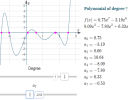
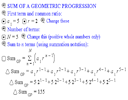
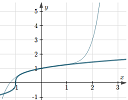
This is a summary of the various interactive graphs, calculators and other manipulatives here on IntMath. If you use the Interactive Whiteboard in your math class, this is an ideal place to start!
All of these interactive applets work on mobile devices.
The order of the topics is similar to the order followed by IntMath.
The various manipulatives that are linked on this page were created using javascript, JSXGraph, and ASCIIsvg. You can read more about these at the bottom of the page.
Calculators
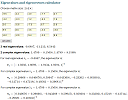
Plot your own Graph
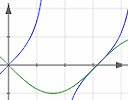
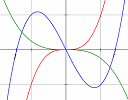
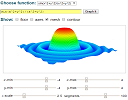
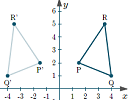
Number, Ratio, Algebra and Exponential Growth

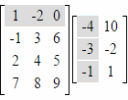
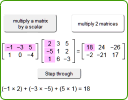
Matrices
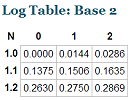
Logarithms
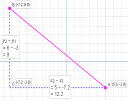
Basic graph concepts
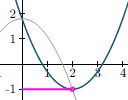
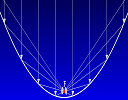
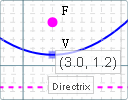
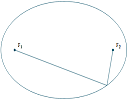
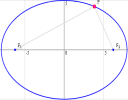
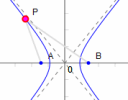
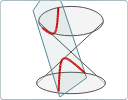
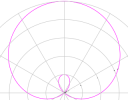
Parabolas, ellipses, hyperbolas, polar coordinates
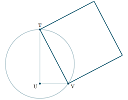
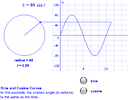
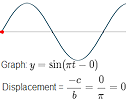
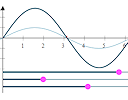
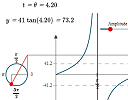
Trigonometry
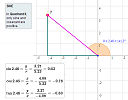
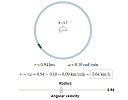
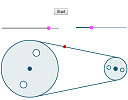
Complex Numbers
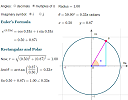
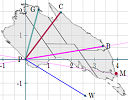
Vectors
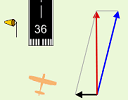
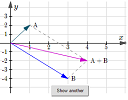
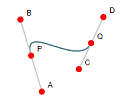
Counting and Probability
Calculus
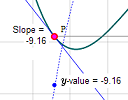
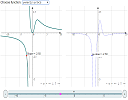
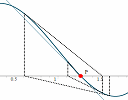
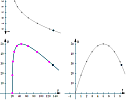
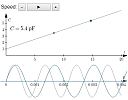
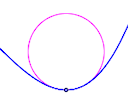
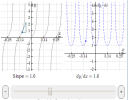
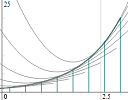
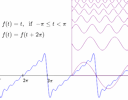
Math art in code




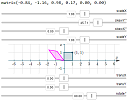
Examples of placing math on Web pages
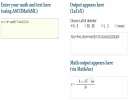
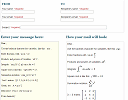
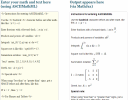
Math display experiments
- ASCIIsvg-IM.js Demo and Syntax
- Embed a Desmos graph in your own page
- Remove MathJax Flicker in JSXGraph
- Reveal Steps in MathJax Output
- Animated trigonometry function graphs - Using D3
- Trigonometry function graphs - Using JSXGraph (with array)
- Animated trigonometry function graphs - Using JSXGraph
Software Used to Create the Interactives
1. JSXGraph Interactive Graphs
JSXGraph is a great way to interact with math concepts. You can view the graphs and interact with them on most computing devices. JSXGraph does not produce image files as it is based on javascript. Compatability:
- Works on Windows, Mac and Linux
- Works in all browsers (Chrome, Firefox, Safari, Opera and IE)
- Works on most mobile devices (iPhone, iPad, Android - but not in Opera Mini)
Read more at JSXGraph Interactive Javascript graphs.
2. SVG Graphs
SVG stands for "Scalable Vector Graphics" and is the favorite format for graphic artists. You can see graphs on a Web page without using image files, similar to JSXGraph.
Compatability:
- Works on Windows, Mac, Linux
- Works natively on Chrome, Firefox, Safari and now IE
- Works on mobile devices
Read more at Math graphs without images using SVG.